9 LinkedIn Profile Optimization Tips That Actually Book Meetings
27 May 2026 · 5 min read

Sowmiya G
Founder, Raise Eagle
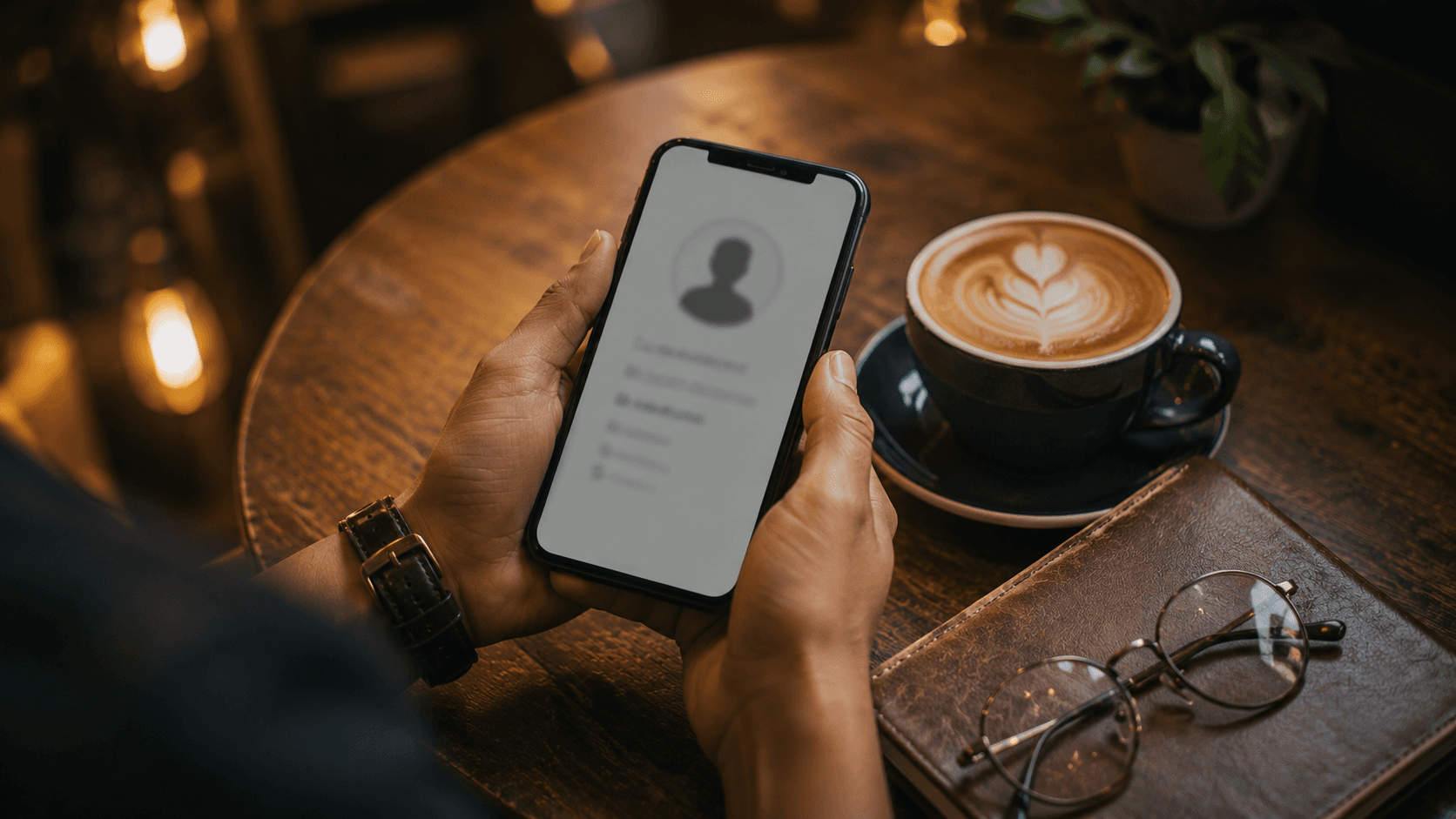
Your profile is the first thing every prospect checks - before they reply, before they book, before they buy. If it reads like a résumé, you've lost them.
Here are nine fixes that turn a profile into a sales page.
1. Headline = promise, not job title
"Marketing Consultant" says nothing. "I help coaches fill their calendar with paid clients" sells. Lead with the outcome.
2. About section: their problem first
Open with the pain your buyer feels, then position yourself as the guide. Use all the space - up to 2,500 characters of focused, conversion-driven copy.
3. Make it skimmable
Short paragraphs. Line breaks. A few well-placed emojis as visual anchors. Walls of text don't get read.
4. End the About with a clear CTA
Tell people exactly what to do next: "DM me 'GROWTH' or book a call here."
5. Use the Featured section as proof
Pin your best case study, a lead magnet, or a results post. This is prime real estate - don't leave it empty.
6. A professional, friendly photo
You don't need a studio. You need to look approachable and credible. Faces build trust.
7. A banner that reinforces your promise
Your cover image should restate who you help and how to reach you.
8. Turn on Creator Mode / add relevant skills
Make it easy for the right people to find and follow you.
9. Add a clear contact path
A booking link, a relevant email, an obvious next step. Never make a warm prospect hunt for how to reach you.
Want us to do it for you? See LinkedIn Profile Optimization - or score your profile free.
Comments
More insights
 Personal Branding
10 June 2026 · 7 min read
LinkedIn Personal Branding in India: A Practical 2026 Playbook
Read article → Appointment Setting
3 June 2026 · 6 min read
How to Get Appointments on LinkedIn (Without Being Spammy)
Read article → Performance Marketing
20 May 2026 · 6 min read
Why Your Meta & Google Ads Bring Leads That Never Convert
Read article →Growth insights, by email
Occasional, practical notes on LinkedIn branding, appointment setting and ads. No spam - unsubscribe anytime.